

It happened on a Tuesday afternoon in March. I was on a video call with a new client, screen sharing a preliminary budget breakdown, when my nine-year-old wandered past the open office door. She stopped. She read the numbers on my monitor out loud, word for word, loud enough that the client heard her through my microphone. I watched the client's expression change. The moment passed, nobody made a big deal of it, but I spent the rest of that call feeling like an amateur. I had been using the SightPro 27-inch privacy screen filter for a few weeks before this and had taken it off because I thought I didn't really need it at home. That was a mistake I didn't repeat.
I work in a two-bedroom apartment with my wife and our daughter. My office is technically the second bedroom, but the door stays open because my daughter does her homework on the floor in the hallway. It's a normal family setup, and for a long time I told myself I didn't need a privacy filter because I wasn't working in a coffee shop or an open office. I had the same blind spot a lot of home workers have: I assumed that private location meant private screen. It doesn't. It just means the only people who can see your screen are the people who live with you.
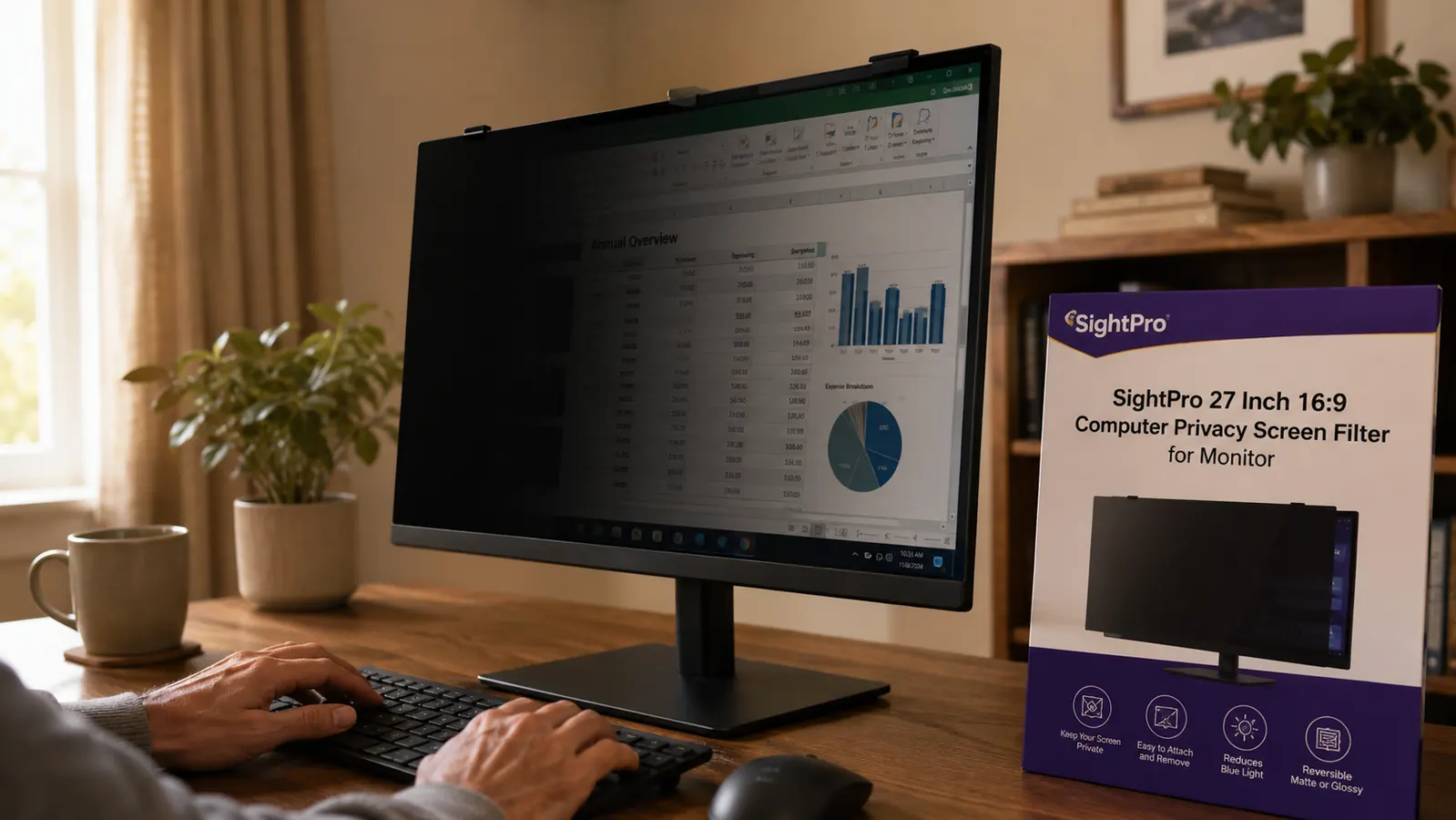
After that Tuesday call, I put the SightPro back on. It clips onto the monitor bezel with two small tabs that took about four minutes to figure out, and after that it just stays put. The filter narrows the visible viewing angle to roughly 60 degrees, centered on whoever is sitting directly in front of the screen. Stand two feet to the left or right and the screen goes dark. My daughter can walk past the doorway at any angle and see nothing useful. She has tested this several times, being a nine-year-old, and reports that the screen looks like a black mirror from the hallway.
I told myself I didn't need a privacy filter because I wasn't working in a coffee shop. That was the wrong way to think about it.
The trade-off I had to accept is brightness. The filter cuts screen luminance noticeably. I had to bump my monitor brightness from around 60 percent up to about 85 percent to keep things comfortable for long sessions. That adjustment took about two days to feel normal, and I've left it there ever since. Some people find it more disruptive than I did, especially on monitors that aren't very bright to begin with. If you're already running a budget display at full brightness, this is worth thinking about before you order. My monitor is a 27-inch LG IPS panel, and at 85 percent brightness the filtered image still looks clean and easy to read.
Stop worrying about who's standing behind you while you work
The SightPro 27-inch privacy screen filter fits standard 16:9 monitors and clips on without adhesive. Rated 4.3 stars by more than 4,000 buyers.
Amazon Check Today's Price on Amazon →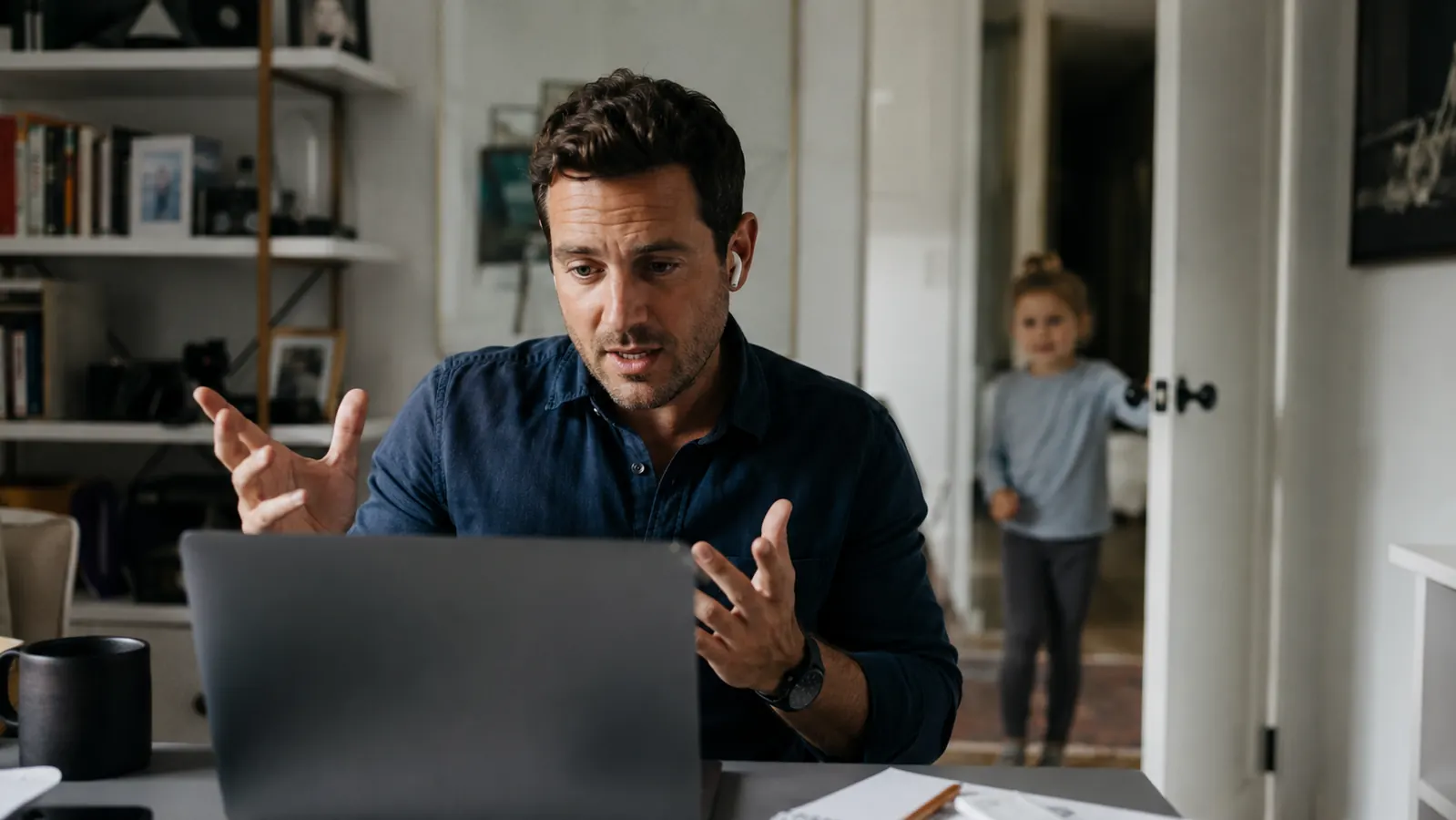
I also tried a cheaper no-name filter from a marketplace seller before settling on this one. The cheap option had a heavy blue tint that made color-sensitive work difficult, and the anti-glare coating started peeling at one corner after about six weeks. The SightPro has held up better. The anti-glare layer feels more durable, and the color shift is minimal enough that I can still review design mockups and photo edits without the colors looking wrong. It is not a perfect substitute for working without a filter, but it is close enough that I stopped thinking about it after a few days.
The other thing worth knowing is that a privacy filter at home protects you in ways you may not have thought about yet. My sister-in-law is a social worker who does telehealth sessions from her spare room. Her kids are older but she has a cleaner who comes twice a month. Client names, case notes, appointment details: those are the kinds of things that should never be readable from six feet away by someone walking past with a mop. A privacy filter is not just for the coffee shop crowd. It is for anyone whose work has any level of confidentiality, which, if you work from home, is almost certainly you.
What I'd Tell You If We Were Sitting at My Kitchen Table
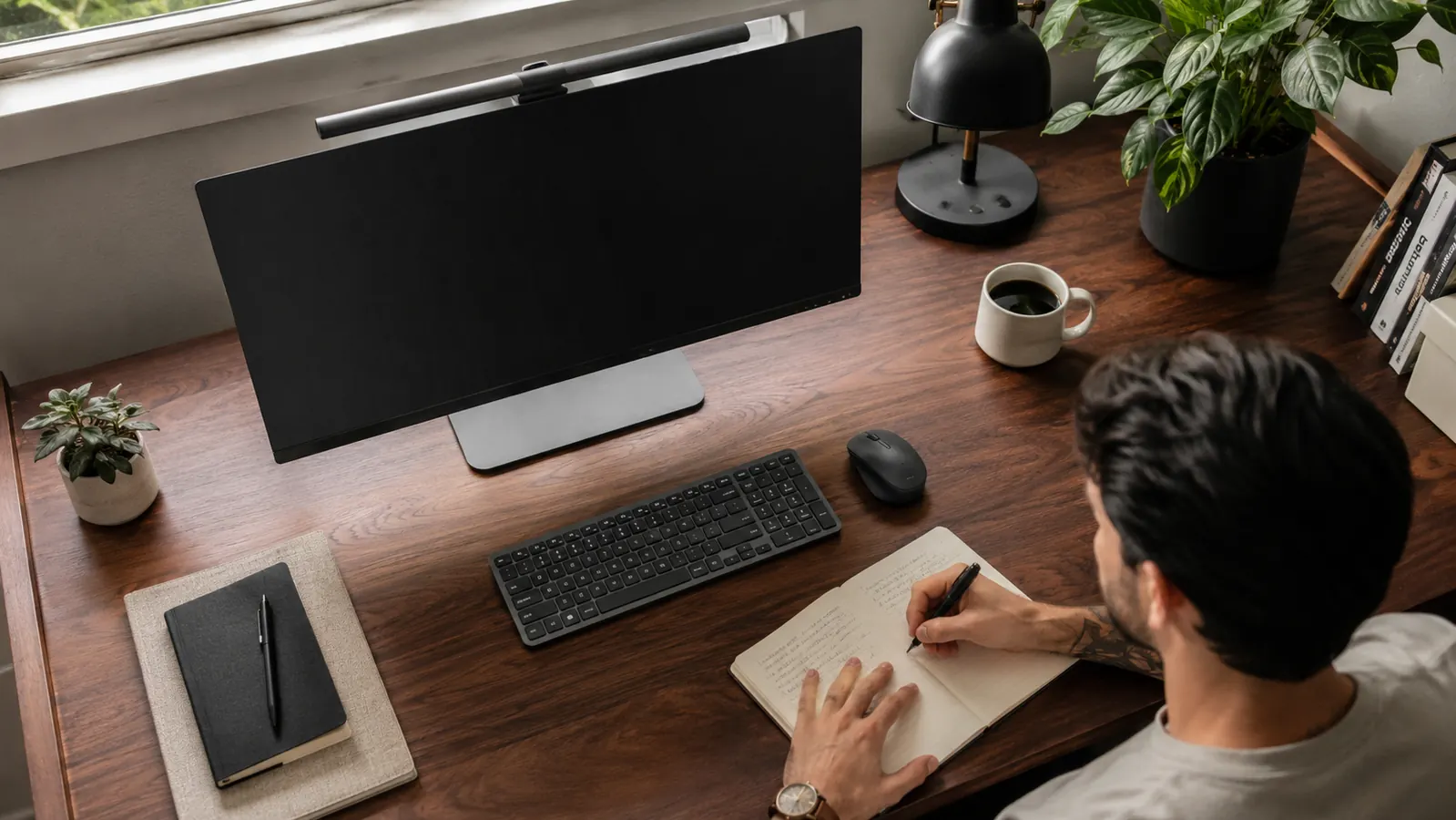
Here is the honest version: the SightPro is not perfect. It dims your screen, it adds a slight texture to the image that takes some getting used to, and if your monitor is already old or dim you may find the brightness hit annoying. But it does what it says. The viewing angle restriction is real, it stays on the monitor without fuss, and the build quality has held up better than the cheaper options I tried. If you work from home and there is anyone else in your space, even occasionally, even just family, this is one of those small changes that you stop noticing after a week and would notice immediately if you took it off. I know because I took it off once. I won't do that again.
If you want to read more before deciding, I put together a detailed long-term review covering how the filter holds up over six months of daily use, and a side-by-side comparison with the 3M privacy filter at a similar price point. Both are worth skimming if you are still on the fence. But if the scenario I described sounds familiar, the answer is probably simpler than you think.
Four minutes to install, and your screen stays yours
The SightPro 27-inch filter clips on without adhesive or permanent mounting. Easy to remove for presentations, reinstall for deep work.
Amazon Check Today's Price on Amazon →